AI tools in 2026: a guide by category, with prices
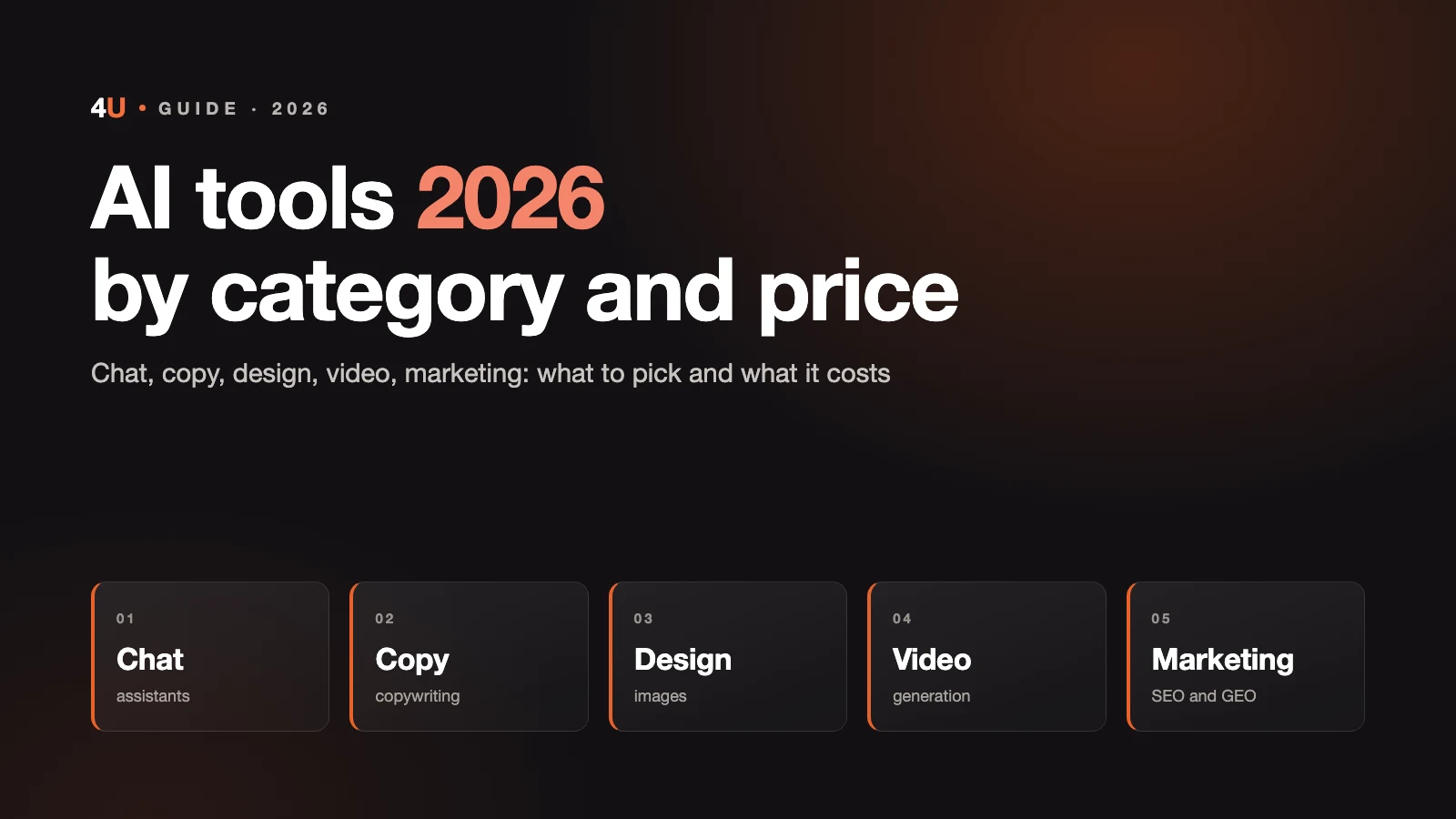
There are already hundreds of AI tools, and "50 AI tools you can't survive without" lists scare more than they help. What matters isn't the number, it's knowing which tool solves your task, who it's for and what it costs. This guide is split into five areas: chat, writing, design, video and marketing. For each one we cover the current leaders as of mid-2026, not the whole list.
About money and availability
Almost all of these services charge in US dollars, and prices here are as of mid-2026. This space moves fast: models update every month and plans change, so check the service's website before you buy.
In Kazakhstan every tool in this guide is available and works legally, including ChatGPT, Claude and Gemini. The only difficulty is payment: OpenAI, Anthropic and Google accept only bank cards, virtual and prepaid cards are often declined, and local banks sometimes block payments to foreign services themselves. An international card solves it, but that's a separate task.
Russia is a different story. ChatGPT, Claude and Gemini are officially unavailable there: the developers themselves blocked access by IP and payments with local cards, and Russia isn't on the list of supported countries. These services only work there via VPN and third-party resellers. Inside the country people use local options: Alice (Yandex), GigaChat and open-source models like DeepSeek and Qwen. If part of your audience or clients is in Russia, keep this in mind.
How to use this guide
Don't subscribe to everything at once. Almost every category has a free plan that's enough to try things out. The rule is simple: start free, move to paid once you hit the limit. One strong chat assistant plus one or two specialized tools for specific tasks cover most of a small business's needs.
Chat: general-purpose assistants
The foundation everyone starts with. A chat assistant writes copy, answers questions, helps with code, reviews documents and generates images. If you take only one AI tool, it'll be a chat. In 2026 the flagships have converged on about $20 a month, but they're strong at different things.
| Tool | Price | Use case | Best for |
|---|---|---|---|
| ChatGPT (OpenAI) | Free (with ads), Plus $20, Go $8, Pro $200 | The most versatile (GPT-5.5): text, images, video, voice | Anyone who wants one tool for everything |
| Claude (Anthropic) | Free, Pro $20, Max from $100 | Writing, reasoning, code, long documents (Opus 4.8, Fable 5) | People who write a lot and work with text and code |
| Google Gemini | Google AI Pro $19.99 | Gemini 3.1 Pro, 1M-token context, integration with Gmail, Docs, Drive | Anyone living in the Google ecosystem |
| Perplexity | Pro $20 ($16.67 billed yearly) | A search engine that answers with links to sources | People who search a lot and fact-check |
| Grok (xAI) | SuperGrok $30 | Real-time social media data, built into X | Anyone who needs social media data in the moment |
| DeepSeek and Qwen | Free on the web, can run locally | Open-source models, the main legal route to strong AI in Russia | Anyone who needs a free or local option, and Russian audiences |
Bottom line: one paid $20 chat is enough for almost everyone. For most businesses that's ChatGPT or Claude, and the rest is covered by free plans as needed. With a strong chat plus code generation you can build a whole website with AI, and we have a step-by-step walkthrough.
Writing: copywriting and editing
Dedicated content tools. Technically a regular chat writes copy too, but these are built for marketing, brand voice and volume.
| Tool | Price | Use case | Best for |
|---|---|---|---|
| Jasper | from $49 | Multichannel campaigns, a single brand voice | Teams and agencies with a high volume of content |
| Copy.ai | Free + paid plans | Short formats: posts, ads, emails | Fast generation of short copy |
| Grammarly | from $30 (Pro) | Grammar and style checking with AI features | People who write in English and want clean copy |
| QuillBot | Inexpensive | Paraphrasing and reworking text | Rewriting and simplifying wording |
Bottom line: for most tasks you don't need a separate copywriting tool, regular ChatGPT or Claude handles it. Specialized platforms pay off when you publish dozens of pieces a month and need a consistent voice at scale.
Design: image generation
Images, logos, visuals, concepts. In 2026 a lot of strong new models showed up here. It's important to tell artistic quality apart from ease of use for a non-designer.
| Tool | Price | Use case | Best for |
|---|---|---|---|
| Midjourney | Basic $10, Standard $30, Pro $60, Mega $120 | Best artistic quality (V7) | High-quality visuals, concepts, ads |
| Nano Banana (Google) | Via the Gemini ecosystem | Fast generation, consistent characters | Quick images and one character across a series |
| GPT Image (OpenAI) | Included in ChatGPT | Handles text in images and prompt following well | Anyone who already has ChatGPT |
| Flux (Black Forest Labs) | Cheap via API, runs locally | Open weights, high-volume generation | Developers and anyone generating images at volume |
| Ideogram | Free + paid plans | Handles text and lettering in images better than the rest | Images with text, simple logos, banners |
| Canva | Free, Pro about $15 | An AI-powered editor: posts, presentations, simple graphics | People who build layouts themselves without a designer |
| Adobe Firefly | Part of Creative Cloud (about $55) | Safe in terms of commercial-use rights | Anyone already working in Adobe products |
Bottom line: for business visuals, the core is Midjourney (quality) plus Canva (layouts). Nano Banana and GPT Image are handy for quick tasks, Ideogram for images with text.
Video: generation and editing
The fastest-growing category of 2026, and the most volatile. There are three different types here: generating video from text or an image, avatar videos that voice a script, and editing. An important note on pricing: generative video models often charge per second via API (roughly $0.05-0.40 per second), while regular users get access through apps and subscriptions. Rough guide below.
| Tool | Price | Use case | Best for |
|---|---|---|---|
| Google Veo 3.1 | Google AI Pro $19.99, Ultra, API | The quality leader: native audio, up to 4K, clips up to 8 seconds | Cinematic clips, product videos, ads |
| Kling (Kuaishou) | Free + paid packs | Motion control from a reference video, keeps body physics, up to several minutes | Videos with motion and action, social media |
| Seedance 2.0 (ByteDance) | Via the Dreamina and Doubao apps | Top for character consistency, multilingual lip sync | Multilingual ads, one character across a series, music videos |
| Gemini Omni (Google) | Google AI Plus, Pro, Ultra; free in YouTube Shorts | Conversational clip editing, clips up to 10 seconds | Short clips with quick edits, no reshoots |
| Runway | from $12, Pro about $28 | An editing and generation platform with precise control | Anyone who wants editing and generation in one place |
| Wan (Alibaba) | about $0.05 per second via API, runs locally | Open-source, the cheapest route | High-volume output and working with open models |
Avatar videos and editing, separately:
| Tool | Price | Use case | Best for |
|---|---|---|---|
| HeyGen and Synthesia | HeyGen: Free, Creator $24, Pro $99 | AI-avatar videos in dozens of languages, no filming | Training, corporate and marketing videos |
| Descript | $24 | Edit video by editing text, removes filler words, clones your voice | People who film themselves and want fast editing |
| ElevenLabs | Free + from a few $ | Voiceover and voice cloning close to a real narrator | Voiceovers for videos and podcasts |
| OpusClip | from $19 | Cuts long videos into clips for Shorts and Reels | Anyone repackaging long content into short |
Bottom line: to generate a clip in 2026, look at Veo 3.1 (quality), Kling (motion and price) and Seedance 2.0 (character and languages). For marketing, a common setup is avatars (HeyGen) plus editing (Descript) plus voiceover (ElevenLabs).
Marketing: SEO, ads, email
Tools for getting clients. Prices are higher here because this is professional software, not a $20 chat.
| Tool | Price | Use case | Best for |
|---|---|---|---|
| Semrush and Ahrefs | Semrush: Pro $139.95, Guru $249.95, Business $499.95 | Keywords, competitors, backlinks, audits | Anyone serious about SEO (often via an agency) |
| Surfer SEO | from $89 | Optimizing copy for search and AI answers (GEO) | People writing content for SEO and AI search |
| HubSpot | Free CRM + paid plans | CRM and marketing automation | Teams that need a funnel and automation in one place |
| Mailchimp | Free + paid plans | Email campaigns with AI features | Email marketing and email sequences |
Bottom line: marketing software is the most expensive, and buying the full stack rarely makes sense for a small business. It's often cheaper to work with an agency that already has these tools than to pay for Semrush and Ahrefs yourself.
How to build your own toolkit
Not by grabbing everything, but around your task and budget.
- Minimal set, up to $40 a month. One chat (ChatGPT or Claude, $20) plus Canva (about $15) plus free plans for the rest. Covers writing, simple graphics, basic tasks. Fits a freelancer or a small business just starting out.
- Mid-range set, about $100-150. A chat plus Midjourney ($30) plus a video tool (HeyGen or Veo access via Google AI Pro) plus Surfer SEO for content. For people who regularly do content and promotion themselves.
- Professional set, from $300. Adds Semrush or Ahrefs, several video tools, paid copywriting. Worth it when content and traffic are a separate function with their own team.
The logic is simple: understand the task first, then pick a tool for it. An idle subscription to ten services you don't use costs more than one tool for real work.
Where tools won't help
An AI tool speeds up the work but doesn't replace strategy. Midjourney will draw an image, but it won't decide which visual sells your product. Jasper will write copy, but it won't come up with your positioning. Semrush will show you keywords, but it won't build a funnel that turns visitors into leads. Tools are the hands, not the head.
So a set of AI tools doesn't do marketing on its own. It makes people faster who already understand what they're doing and why. If the task is a one-off, you'll figure it out yourself with this guide. If marketing is a part of the business that sales depend on, the tools need to be tied to a strategy, and that's where working with a team pays off faster than paying for ten subscriptions.
The 4U team builds marketing as a system where tools serve the task, not the other way around. If you want leads rather than a pile of subscriptions, let's discuss your project.
FAQ
Which AI tool should I pick first?
A general-purpose chat: ChatGPT or Claude, about $20 a month. It covers writing, ideas, document review and basic tasks. Add the rest as you need it.
Can I get by with the free versions?
To start, yes. Most services have free plans that are enough to try them out and handle light tasks. You need a paid plan once you hit the limits.
What is the best AI for video in 2026?
It depends on the task. Google's Veo 3.1 leads on quality, Kling is strong on motion and price, Seedance 2.0 on character consistency and languages.
How much does a basic toolkit for a business cost?
A minimal working set fits into $40 a month: one chat plus Canva plus free plans. A mid-range set with content and video is about $100-150.
Are these tools available in Kazakhstan and Russia?
In Kazakhstan all of them are available, including ChatGPT, Claude and Gemini; the only issue is paying with an international card. In Russia ChatGPT, Claude and Gemini are officially unavailable and only work via VPN, so people there use Alice (Yandex), GigaChat and open-source models like DeepSeek and Qwen.
Will AI replace marketers or designers?
No. Tools speed up execution, but they don't replace strategy, taste and understanding of the business. They amplify people who already know what they're doing.
Sources
- Reviews of AI models and pricing in 2026 (aimlapi.com, findskill.ai, aipricing.guru), data as of mid-2026.
- Official pages: OpenAI, Anthropic, Google (Veo, Gemini Omni), Midjourney, Kling, ByteDance Seedance, Semrush, Surfer SEO.
- OpenAI and Anthropic supported-country lists (availability by region, 2026).